
Managing operational costs is a priority for any UK business, and energy expenditure often represents one of the largest overheads. While large-scale industrial audits provide a high-level view, they often miss the granular details of daily appliance consumption. This is where smart plug technology becomes an asset. By acting as an intelligent intermediary between the wall socket and the device, these tools provide the data necessary to identify waste and implement efficiency.
Understanding the Mechanism of Energy Monitoring
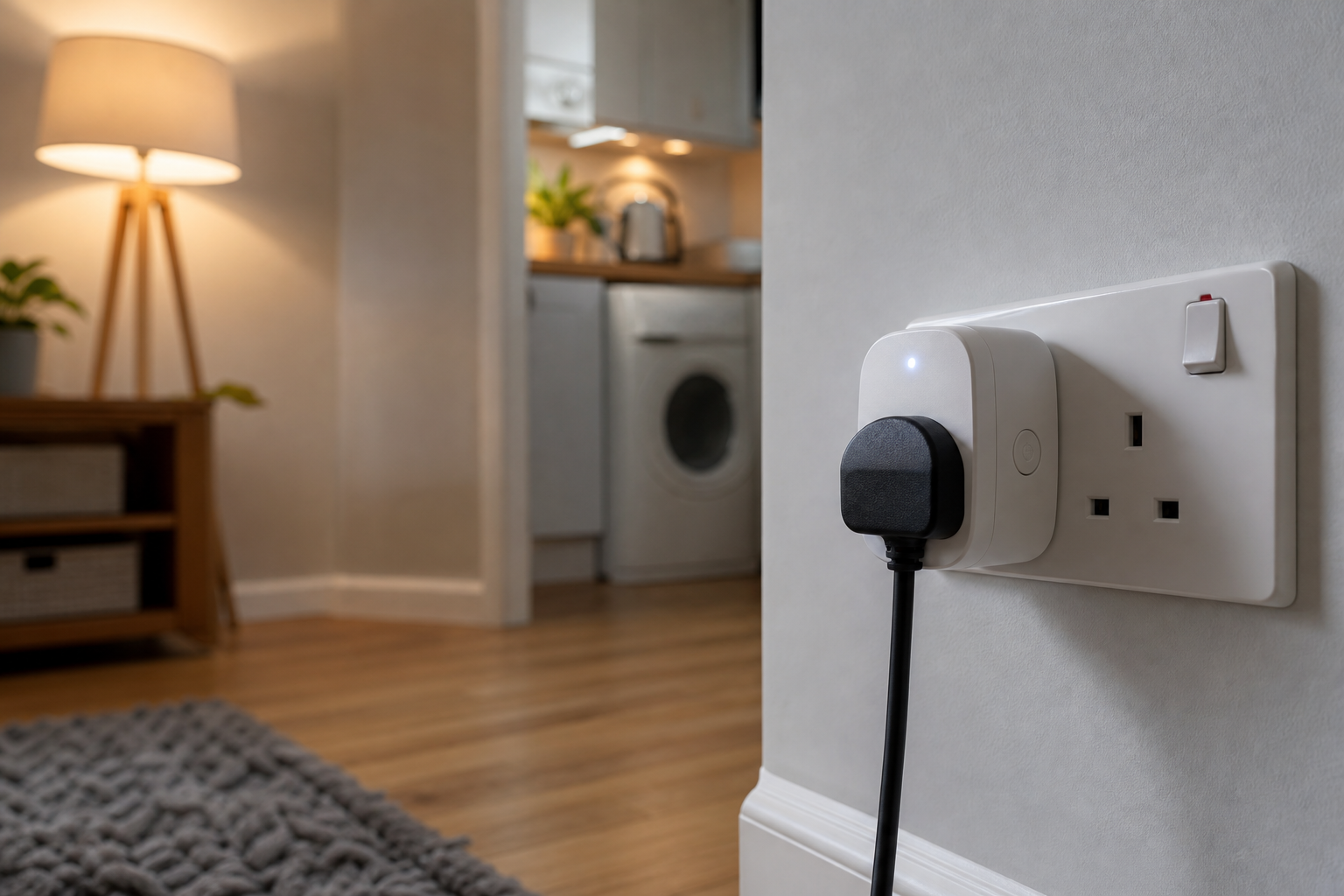
To understand how do smart plugs help monitor energy use, it is first necessary to look at the hardware. A standard plug simply completes a circuit. A smart plug, however, contains a built-in energy monitoring chip—essentially a miniature power meter. This chip measures the current (amperes) and voltage flowing through the device in real-time.
By calculating the product of voltage and current, the plug determines the wattage being consumed at any given second. This data is then transmitted via Wi-Fi or Zigbee to a central hub or a cloud-based application. For a business owner or facility manager, this transforms a "dumb" appliance into a data point, allowing for the tracking of kilowatt-hours (kWh) over days, weeks, or months.
Strategic Benefits for B2B Operations
In a commercial setting, the goal is rarely just to save a few pence on a single lightbulb; it is about scalable efficiency. When deployed across an office or a warehouse, smart plugs provide a comprehensive map of energy leaks.
Identifying "Phantom Loads"
Many office devices, such as printers, water dispensers, and monitors, continue to draw power even when they are switched off or in standby mode. This is known as vampire power or phantom load. Smart plugs allow managers to see exactly how much energy these devices consume during non-working hours. If a breakroom coffee machine is drawing significant power at 3:00 AM, the data makes the problem visible and actionable.
Optimising Equipment Lifecycle
Consistent energy monitoring can also serve as a diagnostic tool. When a piece of machinery or an appliance begins to fail, it often becomes less efficient, drawing more power than usual to perform the same task. By monitoring the baseline energy use of a device, a business can spot anomalies that suggest a need for maintenance before a total breakdown occurs.
Implementing Smart Plugs for Maximum Efficiency
Simply plugging in a device is the first step, but extracting value requires a structured approach. To move from raw data to actual cost savings, businesses should follow a systematic deployment strategy.
- Audit High-Consumption Zones: Start by installing plugs on devices known for high energy draws, such as space heaters, old server racks, or industrial printers.
- Establish Baselines: Monitor the devices for two weeks without making changes to understand the natural ebb and flow of energy use during a standard business cycle.
- Set Automated Schedules: Use the software to automatically cut power to non-essential equipment during weekends and public holidays.
- Compare Device Models: When upgrading hardware, use smart plugs to compare the actual energy consumption of a new model against the old one to verify manufacturer claims.
How Do Smart Plugs Help Monitor Energy Use in Large-Scale Environments?
Scaling this technology across a multi-floor office or several warehouse units requires a shift in perspective. In these environments, the focus moves from individual plugs to aggregated data. Most commercial-grade smart plug systems allow for "grouping," where devices are categorised by department or function.
For example, a facility manager can group all "Reception Area" plugs into one dashboard. If the energy spike in the reception area is disproportionately high compared to the "Accounting" area, the manager can investigate specific devices without manually checking every socket. This aggregated view is essential for reporting on corporate sustainability goals and reducing the overall carbon footprint of the organisation.
Integration with Broader Energy Management Systems
Smart plugs do not have to operate in isolation. For businesses already using Building Management Systems (BMS), integrating smart plug data can provide a holistic view of utility consumption. When combined with smart thermostats and automated lighting, the smart plug fills the final gap: the individual appliance.
By feeding this data into a centralised dashboard, businesses can correlate energy spikes with specific business activities. If energy use peaks every Tuesday afternoon, the company can investigate whether a specific process or piece of equipment is driving that cost. This level of granularity allows for precision budgeting and more accurate financial forecasting regarding utility costs.
Frequently Asked Questions
Are smart plugs safe for high-voltage industrial machinery?
Most consumer-grade smart plugs are designed for standard office equipment and have specific wattage limits. For heavy industrial machinery, you must ensure the plug is rated for the specific amperage of the machine to avoid overheating or electrical failure.
Can these devices be managed remotely across multiple sites?
Yes, most smart plugs connect to cloud-based platforms, allowing a manager in London to monitor energy use in a Manchester branch. This is achieved through a secure internet connection and a centralised management application.
Do smart plugs themselves consume energy to stay connected?
They do consume a very small amount of electricity to maintain their Wi-Fi or Zigbee connection, known as standby power. However, the energy saved by identifying and eliminating larger waste usually far outweighs the plug's own consumption.
Is the data provided by smart plugs accurate enough for billing?
While they are highly accurate for identifying trends and waste, they are generally used for monitoring rather than official utility billing. For legal billing purposes, certified utility-grade meters are still the industry standard.
How difficult is the installation process for a large office?
Installation is generally straightforward as it requires no rewiring; you simply plug the device into the existing socket. The primary effort lies in the digital setup, which involves connecting each plug to the local network and naming them for easy identification.