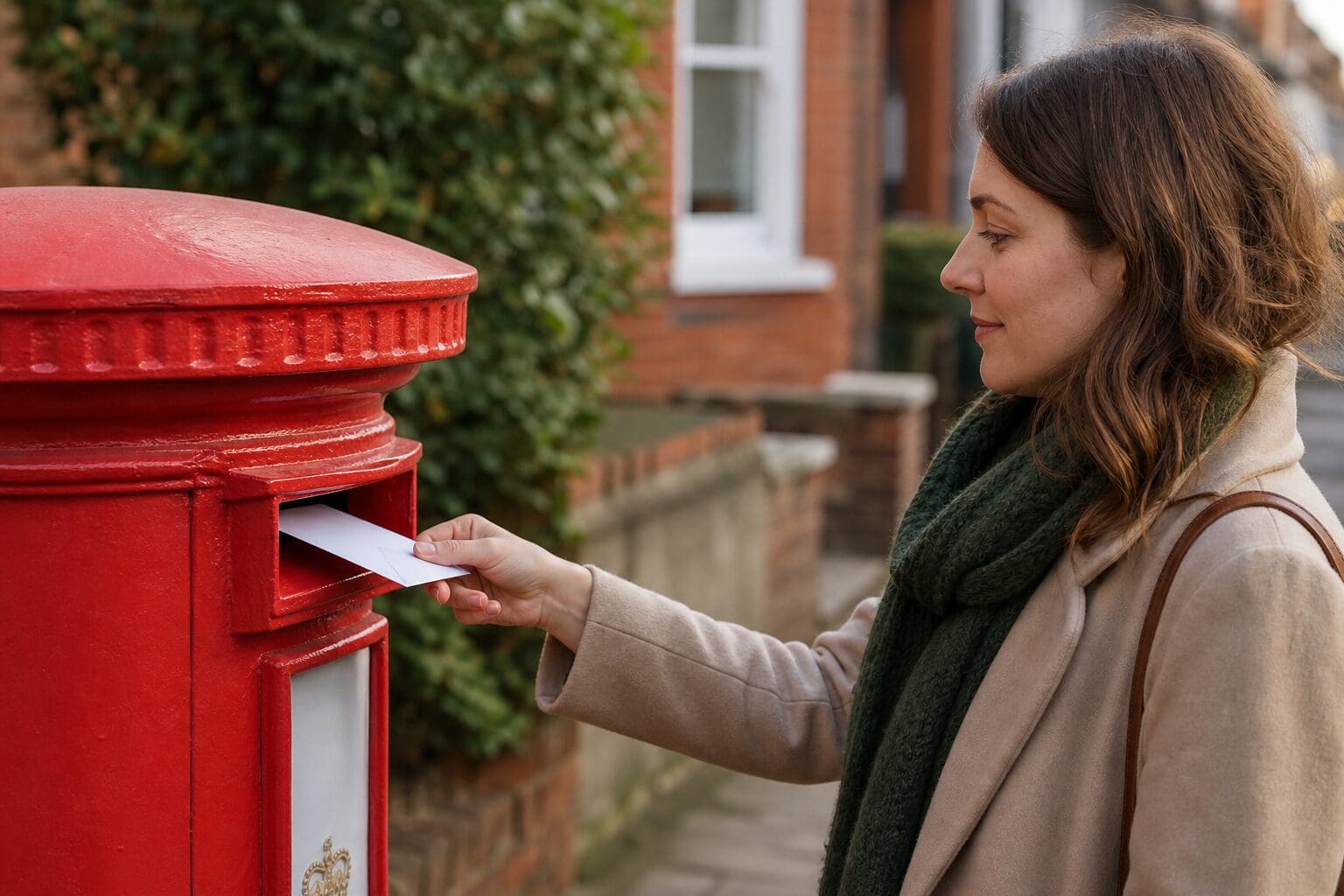

You can now send a letter without printing pages, buying envelopes, finding stamps or visiting a post office. For UK businesses, this is a practical way to keep formal communication moving while working from a laptop or phone. A document can be prepared digitally, uploaded as a PDF, printed professionally and posted on the sender’s behalf. The result is still a physical letter arriving at the recipient’s address, but the admin around it is much simpler.
Why businesses still need to send a letter
Email is fast, but it is not always the best format for every message. Many organisations still use physical post for formal notices, signed correspondence, cancellations, customer service letters, legal documents, HR letters and official records. A posted letter can feel more permanent and can be easier for a recipient to file, share internally or keep for reference.
In B2B settings, letters are often used when tone and presentation matter. A well-formatted PDF printed on paper can support a professional image, especially when the subject is sensitive or contractual. It can also help when the recipient expects post rather than digital communication.
There are also practical reasons. Some recipients may not accept email for certain requests. Others may need a paper copy for internal processes. In these cases, online letter sending gives businesses a way to use physical mail without maintaining office printing supplies or sending staff out to post items.
How online letter sending works
Online letter sending takes the familiar stages of posting a letter and moves the preparation into a browser. Instead of printing the document yourself, you upload the finished PDF and provide the delivery details. The service then handles the printing, enveloping and handover to the postal network.
The basic process is straightforward:
- Prepare the document on a computer, tablet or phone and save it as a PDF.
- Upload the PDF through the online letter service.
- Enter the sender and recipient details carefully.
- Choose print settings such as black and white or colour.
- Select single-sided or double-sided printing where available.
- Review the final price before payment.
- Receive confirmation and status updates by email.
This approach is useful for businesses with hybrid teams, small offices, remote staff or occasional postal needs. It avoids the friction of printing, checking ink levels, finding envelopes and arranging postage. It also means a member of staff can send a letter while working away from the office.
The PDF format is important because it helps preserve the layout. Headings, spacing, signatures and page breaks are less likely to move compared with an editable document. Before uploading, it is sensible to check the PDF carefully to make sure the address, date, attachments and any reference numbers are correct.
Choosing print and delivery options
Online letter sending is not only about convenience. It also gives the sender control over how the finished letter is produced. For most business letters, black and white printing is suitable. Colour may be preferred for documents with branding, coloured charts, official marks or content where colour helps the reader understand the information.
Single-sided printing can be useful for shorter letters or documents where each page needs to stand alone. Double-sided printing may be more efficient for longer documents and can reduce the number of sheets. The right choice depends on the type of correspondence and how it will be read or filed.
Registered delivery with track & trace is also available when the sender wants to follow the progress of an important letter. This can be helpful for cancellation notices, formal complaints, time-sensitive documents or business correspondence where proof of posting and delivery progress matter. Not every letter needs tracking, but it can add reassurance where the content is important.
In the middle of a busy working day, the ability to send a letter from a browser can remove a surprising amount of admin. The sender keeps control of the document and delivery details, while the physical handling is completed elsewhere.
Using Send-a-Letter.co.uk for business post
Send-a-Letter.co.uk is designed for situations where a physical letter is still needed but the sender does not want to manage the printing and postage. Once the order has been completed, the document is printed, placed in an envelope and handed over for delivery by Royal Mail.
Letters submitted before 5 pm are prepared for posting on the same business day. This is useful for businesses dealing with deadlines, service notices or correspondence that should not sit in an outbox overnight. It also supports teams that work digitally but still need reliable access to physical mail.
An account is not required. An email address is enough to receive confirmation and status updates. For occasional business use, this keeps the process light. There are no subscription fees, and the final price is shown before payment, which helps with cost control and prevents surprise charges.
Letters can be arranged directly from a browser and sent to addresses in the United Kingdom as well as a range of other European countries. For UK businesses that deal with customers, suppliers or partners across borders, this can be more convenient than arranging international postage manually.
Common business situations where online post helps
A physical letter sent online can be useful in many everyday business scenarios. It works particularly well when the sender has a finished document and wants the reliability of post without the manual steps.
Common examples include:
- Contract notices, termination letters or renewal correspondence.
- Customer service responses that need to be sent formally.
- HR letters for employees who require paper copies.
- Supplier correspondence, complaints or payment reminders.
- Official documents where a printed version is preferred.
- Cancellations that must be confirmed in writing.
- Letters to organisations that do not accept email for certain requests.
For smaller companies, it can remove the need to keep printers, envelopes and stamps available for occasional mail. For larger organisations, it can help distributed teams send physical correspondence without relying on a central office. It can also reduce time spent on low-value administration, especially when letters are not sent every day.
There is still a place for traditional posting, particularly where original documents or wet-ink signatures are required. However, when the content can be prepared as a PDF, online posting offers a simpler route from document creation to delivery.
Points to check before submitting a PDF
Because the service prints and posts the document provided, the sender should review the PDF with care. A quick check can prevent avoidable mistakes and delays.
Before submitting, it is worth confirming:
- The recipient’s full name or business name is correct.
- The postal address includes the right postcode and country.
- The sender details are accurate and complete.
- The document date is correct.
- All pages are included in the PDF.
- Any reference numbers, account numbers or case numbers are visible.
- The file is the final version, not a draft.
- The chosen print settings match the document’s purpose.
For important correspondence, another person may review the PDF before it is uploaded. This is especially useful for formal letters, customer disputes or documents containing financial or legal information. Clear internal checks help ensure the convenience of online posting does not come at the expense of accuracy.
Frequently Asked Questions
Can I send a letter online without owning a printer?
Yes. A finished PDF can be uploaded online, then printed, enveloped and posted on your behalf.
Do I need an account to use Send-a-Letter.co.uk?
No account is required. An email address is enough for confirmation messages and status updates.
Can business letters be sent by registered delivery?
Yes. Registered delivery with track & trace is available for important letters that need progress updates.
Are letters posted on the same business day?
Letters submitted before 5 pm are prepared for posting on the same business day.
Can letters be sent outside the United Kingdom?
Yes. Letters can be sent to UK addresses and to a range of other European countries.
Send a physical letter without needing a printer
Sending physical post no longer has to involve a printer, envelopes, stamps or a journey to the post office. For UK businesses, online letter sending offers a practical bridge between digital working and formal paper correspondence. A PDF can be prepared on a computer or phone, uploaded through a browser, printed, enveloped and passed to Royal Mail for delivery.
This is especially helpful when a letter needs to look professional, arrive as paper or be handled more formally than an email. With options for colour, black and white, single-sided or double-sided printing, and registered delivery where needed, businesses can match the posting method to the importance of the message.
A completed PDF can go from your computer to the postal system without printing anything yourself. Send-a-Letter.co.uk takes care of printing, enveloping and posting the document, while you choose the address and print options online. At send-a-letter.co.uk, the entire process can be completed from a laptop or phone without creating an account.