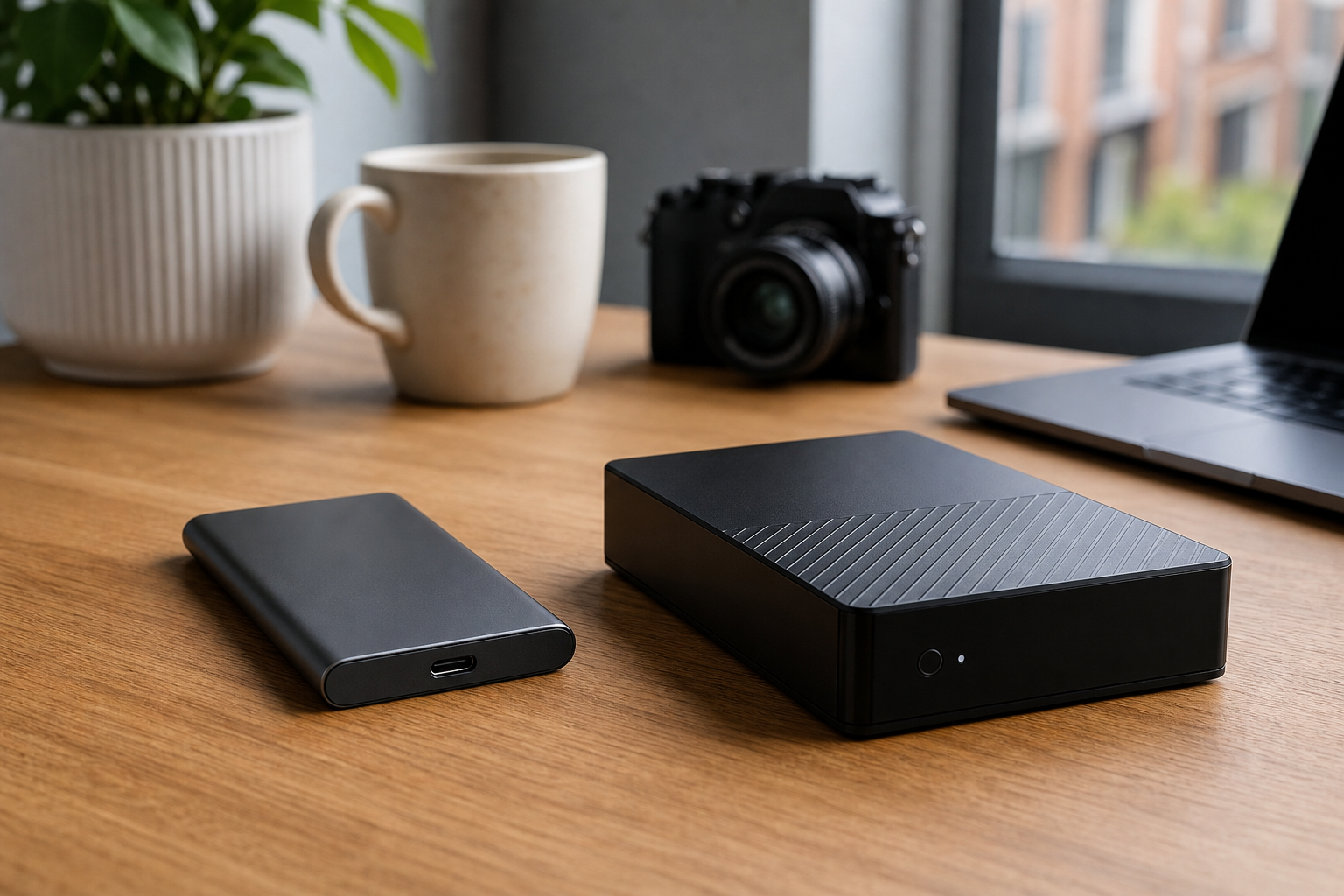

Choosing the right storage solution is a critical decision for any UK business. Whether you are managing a small creative agency or overseeing a corporate data archive, the hardware you select impacts your team's productivity and your company's data security. When weighing up an external SSD vs hard drive: which should you buy? The answer depends entirely on whether you prioritise raw speed and durability or high-capacity storage at a lower cost.
Understanding the Technology: HDD vs SSD
To make an informed procurement decision, it is essential to understand the mechanical differences between these two technologies. A Hard Disk Drive (HDD) is a legacy technology that relies on physical moving parts. Inside the casing, magnetic platters spin at high speeds while a read/write head moves across them to access data. This mechanical process is reliable for long-term storage but introduces a physical bottleneck.
In contrast, a Solid State Drive (SSD) has no moving parts. It uses flash memory, which is similar to the technology found in USB thumb drives but significantly faster and more reliable. Because data is accessed electronically rather than mechanically, the response time is nearly instantaneous. For a business environment, this means faster boot times for external software and quicker file transfers for large project folders.
The Case for External SSDs in a Business Environment
For most modern B2B applications, the SSD is the superior choice for daily operations. The primary advantage is speed. An SSD can read and write data at rates that dwarf traditional hard drives, which is vital when working with 4K video, high-resolution architectural renders, or massive databases.
Performance and Productivity
Time is a commodity in any business. When employees spend minutes waiting for a large file to copy from an external drive, productivity drops. SSDs eliminate this lag. They allow for "live" editing, meaning a user can run a programme or edit a video file directly from the external drive without experiencing the stuttering or latency associated with HDDs.
Durability and Physical Security
Because they lack moving parts, SSDs are far more resilient to physical shock. In a B2B context, where laptops and drives are frequently transported between client sites or home offices, this is a significant advantage. If an HDD is dropped while the platters are spinning, the risk of a "head crash" and total data loss is high. An SSD is much more likely to survive a tumble, providing an extra layer of physical security for your corporate intellectual property.
The Case for External Hard Drives (HDDs)
Despite the rise of flash storage, the traditional hard drive remains a staple in the UK business landscape. The primary driver here is the cost-per-gigabyte. HDDs are significantly cheaper when you need to store vast amounts of data that do not require frequent access.
High-Capacity Archiving
For businesses that deal with "cold storage"—data that must be kept for legal or compliance reasons but is rarely accessed—the HDD is the logical choice. You can purchase multi-terabyte drives for a fraction of the cost of an equivalent SSD. This makes them ideal for system backups, historical archives, and long-term project storage.
Cost-Effectiveness for Bulk Data
When scaling storage across a large team, budget constraints often dictate the hardware. If your business requires 10TB of storage for a backup server, an HDD array is financially viable, whereas an SSD array of the same capacity would represent a massive capital expenditure.
Comparing Key Business Metrics
When deciding between an external SSD vs hard drive: which should you buy? it helps to look at the specific metrics that affect your bottom line.
- Transfer Speeds: SSDs offer speeds often exceeding 500MB/s (and much higher for NVMe drives), while HDDs typically hover around 80MB/s to 160MB/s.
- Lifespan: HDDs can wear out mechanically over time, whereas SSDs have a limited number of write cycles, though this is rarely an issue for standard business use.
- Power Consumption: SSDs are more energy-efficient, which can slightly extend the battery life of the laptops they are connected to.
- Noise and Heat: HDDs produce audible humming and heat due to the spinning disks; SSDs are silent and run cooler.
Making the Final Decision for Your Firm
The choice ultimately boils down to the intended use case. If the drive will be used as a primary workspace—where files are opened, edited, and saved constantly—the SSD is the only viable option to maintain professional efficiency. The speed increase directly correlates to fewer billable hours lost to technical lag.
However, if the drive is intended to sit on a shelf as a secondary backup of your entire server, the HDD is the more pragmatic choice. Many UK businesses adopt a hybrid strategy: they use SSDs for active projects and HDDs for the final archive. This ensures they have the performance where it matters and the capacity where it is most cost-effective.
Frequently Asked Questions
Is an SSD more reliable than a hard drive for backups?
For long-term, unplugged storage, HDDs are often considered reliable, but for active backups, SSDs are better because they cannot be damaged by physical drops or vibrations.
Will an external SSD speed up my old business laptop?
Yes, if you are running software or storing active files on the external SSD, you will notice a significant increase in speed compared to using an HDD.
Do external hard drives eventually wear out?
Yes, the mechanical components of an HDD, such as the motor and the read/write arm, will eventually fail due to physical wear and tear over several years.
Can I use an SSD for long-term cold storage?
While possible, SSDs are not ideal for "cold storage" if left unpowered for years, as the cells can potentially lose data over very long periods.
Which drive is better for transferring large video files?
An SSD is vastly superior for large file transfers because its higher write speeds reduce the time spent waiting for the data to move between devices.