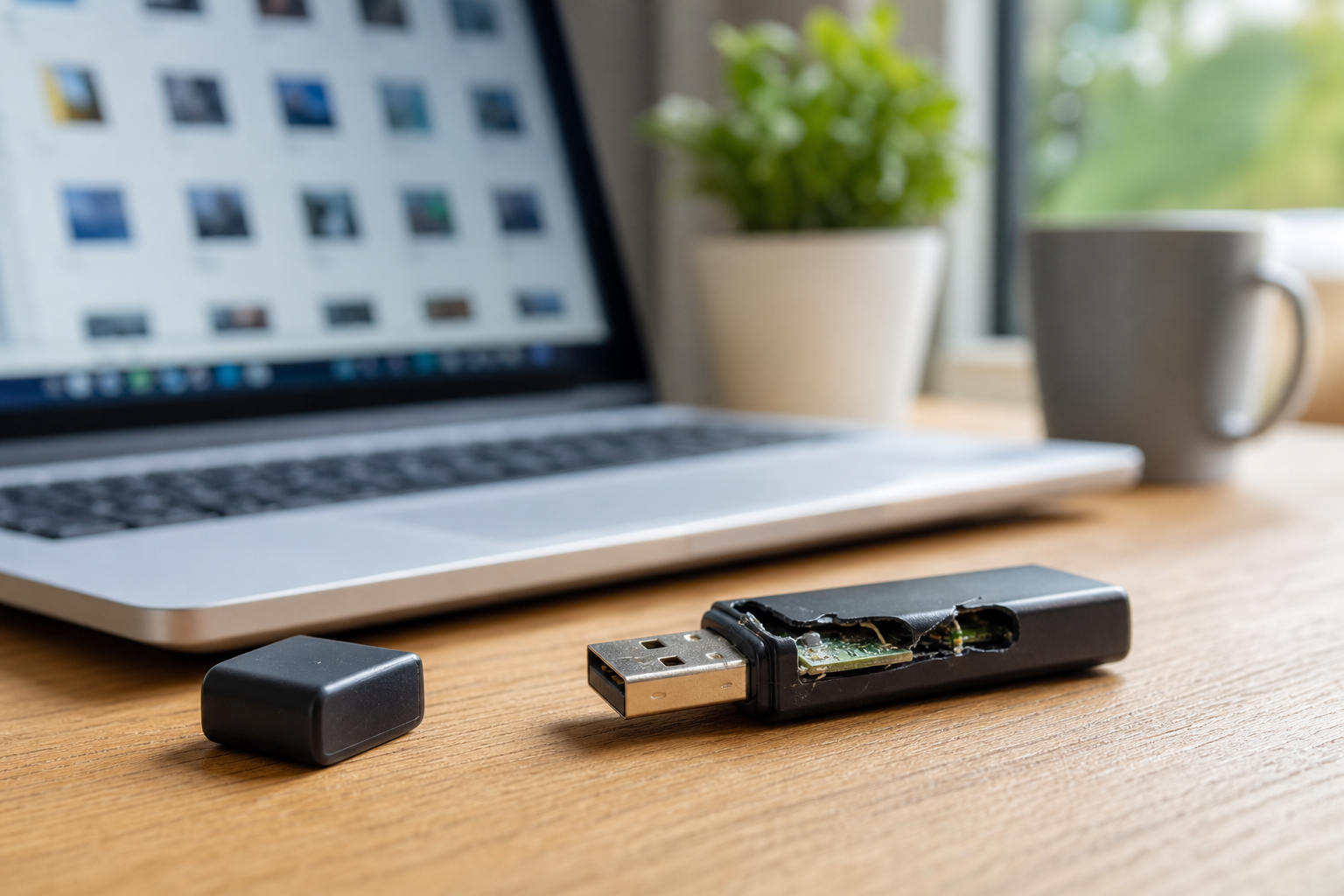

Discovering that a critical business folder or a client presentation has vanished due to a drive error is a stressful experience for any professional. Whether it is a sudden hardware failure or a software glitch, the immediate question is always the same: Can you recover files from a corrupted USB drive? The short answer is yes, in many cases, data recovery is possible, provided the physical NAND flash chip remains intact. For B2B operations, where data integrity is paramount, understanding the distinction between logical corruption and physical failure is the first step toward successful retrieval.
Understanding USB Corruption in a Business Context
USB corruption occurs when the file system of the drive becomes unreadable by the operating system. In a corporate environment, this often happens due to improper ejection, power surges, or the use of low-quality flash drives for high-volume data transfers. When a drive is corrupted, the data usually still exists on the storage cells, but the "map" the computer uses to find those files is broken.
Logical corruption is the most common issue. This happens when the File Allocation Table (FAT) or the Master File Table (MFT) is damaged. The computer may prompt you to format the drive before use, or it may simply fail to assign a drive letter. Physical corruption, however, involves hardware damage, such as a cracked circuit board or worn-out flash memory, which requires professional laboratory intervention.
Initial Steps for Diagnosing the Problem
Before attempting any software-based recovery, it is essential to isolate the cause of the failure. Jumping straight into recovery tools without a diagnosis can sometimes worsen the situation, especially if the drive is physically failing.
Testing Hardware Connections
Start by eliminating the simplest variables. Try plugging the USB drive into a different port on the same machine, or better yet, test it on a completely different computer. This determines if the issue lies with the USB port, the motherboard drivers, or the drive itself. If the drive is not recognised by any device, the problem is likely hardware-related.
Checking Disk Management
In Windows, using the Disk Management tool allows you to see if the system recognises the hardware even if the files are inaccessible. If the drive appears as "Unallocated" or "RAW," the partition table is corrupted. This is a positive sign for recovery because it confirms the hardware is still communicating with the PC, meaning software tools can likely scan the raw sectors for your lost business documents.
Methods to Recover Files from a Corrupted USB Drive
Depending on the severity of the corruption, different strategies are required. For B2B users, the priority is always to avoid writing new data to the drive, as this can overwrite the very files you are trying to save.
Using Built-in System Tools
Operating systems have native utilities designed to fix file system errors. In Windows, the Check Disk (chkdsk) command is the primary tool. By running this via the Command Prompt, the system attempts to repair the file system and recover readable information from bad sectors.
- Open the Command Prompt as an administrator.
- Type
chkdsk X: /f(replacing X with your drive letter). - Allow the system to scan and repair the directory structure.
While effective for minor errors, be cautious. If the drive is physically dying, the stress of a chkdsk scan can occasionally push the hardware toward total failure.
Implementing Professional Recovery Software
When system tools fail, specialised data recovery software is the next logical step. These tools bypass the corrupted file system and scan the drive's surface for known file signatures (such as .pdf, .docx, or .xlsx). This process, known as "deep scanning," can reconstruct files even from a drive that the computer claims is empty or unformatted.
For businesses, choosing a tool that supports raw recovery is vital. These applications create an image of the drive first, ensuring that the original corrupted USB remains untouched while the software works on a virtual copy. This prevents further data loss during the recovery process.
Preventing Future Data Loss in the Workplace
Recovery is a reactive measure; the goal for any business should be a proactive strategy that renders recovery tools unnecessary. Relying solely on USB drives for primary storage is a high-risk practice due to their limited write cycles and susceptibility to electrical failure.
To safeguard corporate intelligence, implement a tiered backup system. This involves the "3-2-1 rule": keep three copies of your data, on two different media types, with one copy stored off-site. Moving away from physical flash drives toward encrypted cloud storage or Network Attached Storage (NAS) reduces the risk of corruption and simplifies the process of version control.
Additionally, educating staff on the importance of "Safely Remove Hardware" can prevent a significant percentage of logical corruption. When a drive is pulled out during a write operation, the file system is left in an inconsistent state, leading to the very corruption issues discussed in this guide.
Frequently Asked Questions
Will formatting the drive help me get my files back?
No, formatting the drive will not recover your files and may actually make the process harder. Formatting creates a new file system, which can overwrite the existing data markers. You should always attempt data recovery software before considering a format.
Can I recover files if the USB drive is not detected at all?
If the drive does not appear in Disk Management or the Device Manager, software cannot access it. In this scenario, the failure is physical. You will need to contact a professional data recovery service that can perform a chip-off extraction.
How long does the recovery process usually take?
The duration depends on the capacity of the USB drive and the speed of the flash memory. A 32GB drive might be scanned in an hour, whereas a 256GB drive could take several hours or even days for a deep scan.
Is it safe to use free recovery software for business data?
Free tools can be useful for non-critical files, but for B2B data, paid professional software is recommended. Professional versions typically offer better support for complex file systems, higher recovery rates, and essential security certifications to protect sensitive information.
Why did my USB drive become corrupted suddenly?
Corruption often stems from removing the drive while the OS is still writing data to it. Other causes include malware infections that target the boot sector, electrical surges from faulty USB ports, or the natural degradation of the flash memory cells over time.