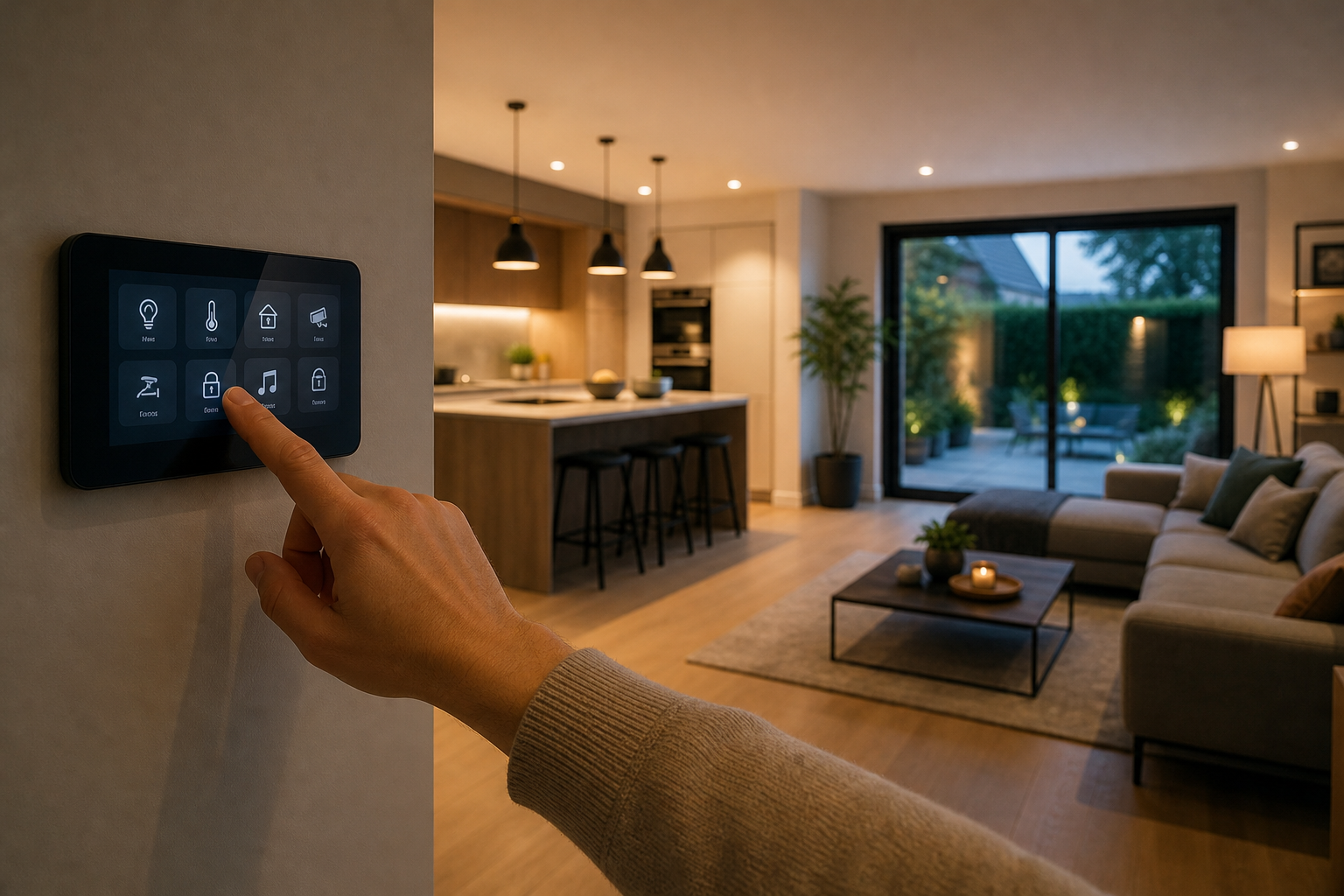

Home automation, often referred to as domotics, is the integration of technology into a residential space to automate routine tasks and improve overall efficiency. For B2B stakeholders—such as property developers, interior designers, and smart-home installers—understanding this ecosystem is essential. It is no longer just about novelty gadgets; it is about creating cohesive environments that enhance security, sustainability, and accessibility.
Understanding the Core Concept of Home Automation
At its simplest, home automation involves connecting household devices to a central network, allowing them to be controlled remotely or to act independently based on pre-set triggers. Instead of manually flipping a switch or adjusting a thermostat, a smart system manages these functions through software.
For businesses in the UK property sector, this shift represents a transition from "static" buildings to "intelligent" assets. The value proposition lies in the ability to reduce energy waste and increase the marketability of a property. By automating lighting, heating, and security, a home becomes more responsive to the needs of its occupants.
What Is Home Automation and How Does It Work?
To answer the question of what is home automation and how does it work, one must look at the three primary layers of the system: the hardware, the communication protocol, and the control interface.
The Hardware Layer
The hardware consists of the physical devices installed throughout the property. These are divided into sensors and actuators. Sensors are the "eyes and ears" of the system—they detect motion, temperature, or moisture. Actuators are the components that perform the action, such as a smart lock turning a bolt or a motorised blind closing.
The Communication Protocol
Devices must speak the same language to work together. This is where protocols come into play. Some systems use Wi-Fi, which is common but can congest a network. Others use Zigbee or Z-Wave, which are mesh networks designed specifically for low-power smart devices, ensuring that a signal can hop from one device to another to reach the central hub.
The Control Interface
The interface is how the user interacts with the system. This could be a smartphone app, a wall-mounted touch panel, or a voice-activated assistant. In a professional B2B installation, these interfaces are often integrated into the building's architecture to provide a seamless user experience.
The Key Components of a Smart Ecosystem
A robust automation system is built upon several functional categories. For developers and contractors, focusing on these core areas ensures a comprehensive offering for the end client.
- Climate Control: Smart thermostats and TRVs (Thermostatic Radiator Valves) that learn user preferences and adjust temperatures based on time of day or occupancy.
- Lighting Systems: Intelligent bulbs and switches that can be dimmed, colour-shifted, or scheduled to mimic natural circadian rhythms.
- Security and Access: Integrated CCTV, smart doorbells, and biometric locks that provide real-time alerts and remote access management.
- Energy Management: Smart plugs and monitors that track electricity consumption and automatically shut down non-essential appliances during peak tariff hours.
The Business Value of Integrated Automation
From a B2B perspective, the implementation of home automation is a strategic investment. It transforms a standard residential unit into a high-performance home. This is particularly relevant in the UK, where energy efficiency ratings (EPC) significantly impact property valuation.
Automation allows for "scenes." A scene is a pre-configured set of actions triggered by a single command. For example, a "Leaving Home" scene could simultaneously lock all doors, turn off all lights, lower the heating, and arm the security system. This level of convenience is a major selling point for modern homeowners who prioritise time-saving technology.
Furthermore, automation supports the "Ageing in Place" trend. By installing motion-activated lighting and fall-detection sensors, developers can create homes that are safer for elderly residents, reducing the need for assisted living facilities and increasing the inclusivity of new housing developments.
Challenges in Implementation and Scalability
While the benefits are clear, professional installers face specific hurdles. Interoperability remains the primary challenge. When devices from different manufacturers cannot communicate, the user experience suffers. This is why the industry is moving towards universal standards like Matter, which aims to unify the way smart devices connect regardless of the brand.
Scalability is another critical consideration. A system that works for a small flat may fail in a large manor house due to signal degradation. Professionals must plan the network infrastructure carefully, often installing wired Ethernet backbones to support wireless access points, ensuring that the automation remains stable as more devices are added.
Frequently Asked Questions
Is home automation expensive to install for new builds?
The cost varies depending on the scale of the project, but integrating wiring during the construction phase is significantly cheaper than retrofitting. Investing in a scalable infrastructure allows homeowners to add devices over time without needing to tear open walls.
How secure are smart home systems from cyber attacks?
Security depends on the quality of the network and the devices used. Professional installations utilise encrypted protocols and separate VLANs to isolate smart devices from the primary data network, which significantly reduces the risk of unauthorised access.
Do these systems require a constant internet connection?
While remote access requires the internet, many local automations function via a hub using Zigbee or Z-Wave. This means that if the internet goes down, the lights and heating will still operate based on their local schedules.
Can home automation actually reduce monthly energy bills?
Yes, by eliminating human error, such as leaving the heating on in an empty room. Smart systems optimise energy use by adjusting settings based on real-time data, which can lead to a measurable reduction in carbon footprints.
Which is better: a centralised hub or individual apps?
A centralised hub is far superior for B2B applications as it provides a single point of control. Managing twenty different apps for twenty different devices is inefficient and creates a poor user experience for the client.