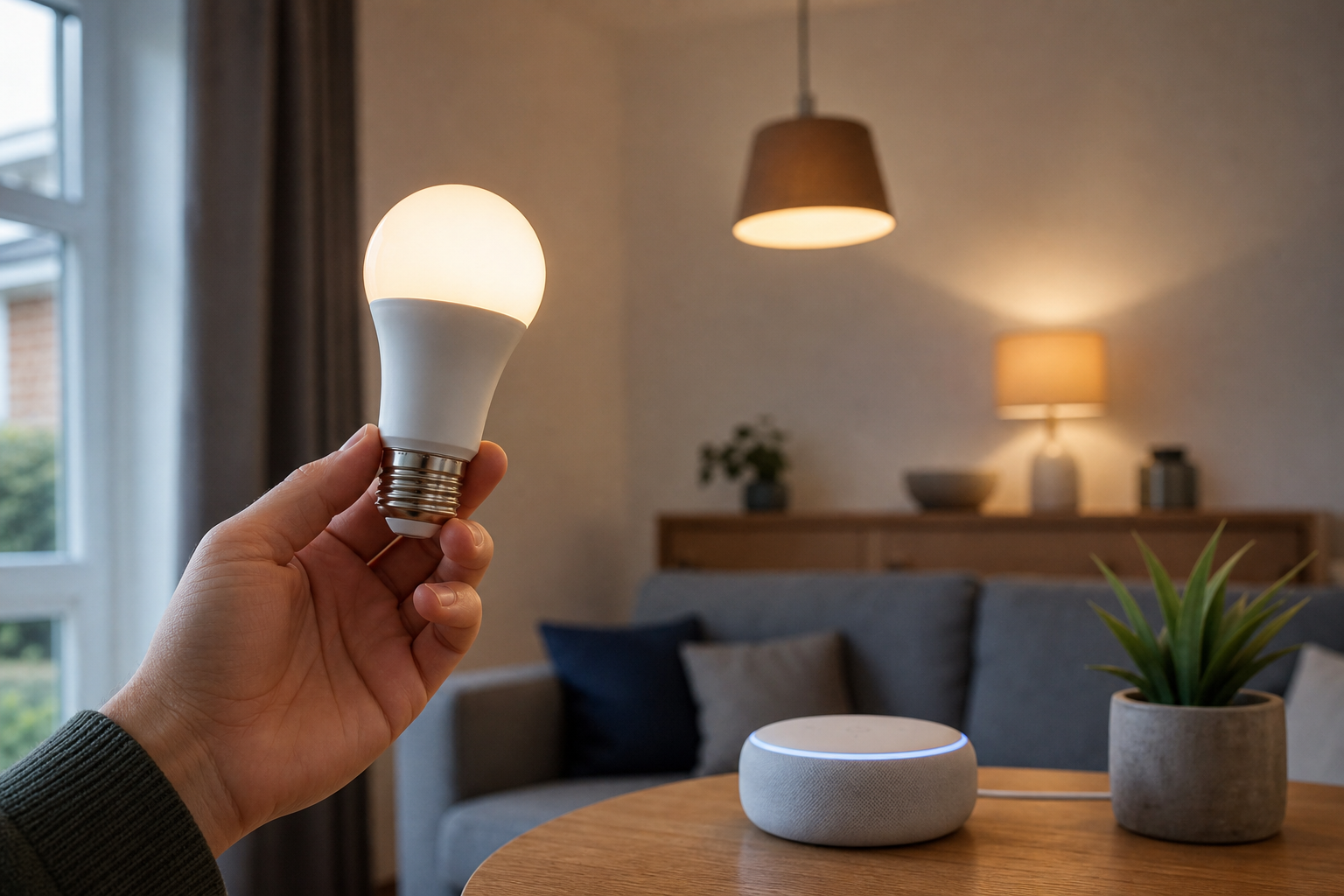

Upgrading a commercial space with intelligent lighting can significantly reduce energy overheads and improve the working environment for employees. However, when browsing through professional lighting catalogues, one recurring technical question arises: Smart Light Bulbs: Do You Need a Hub? For a business owner or facility manager, the answer depends entirely on the scale of the installation and the specific communication protocols the hardware uses.
Understanding the Role of a Smart Home Hub
In the simplest terms, a hub acts as a central translator. Many smart devices speak different "languages" or protocols. While your smartphone and office router speak Wi-Fi, many energy-efficient light bulbs use alternative languages like Zigbee or Z-Wave. A hub connects to your internet router and then communicates with the bulbs using these specialised low-energy signals.
For a small office with two or three lamps, a hub might seem like an unnecessary addition. However, as you scale your lighting across multiple rooms or floors, the hub becomes the brain of the operation. It manages the traffic, ensuring that when you trigger a "Meeting Mode" scene, every single bulb reacts simultaneously without lagging or crashing your primary office Wi-Fi network.
Hub-Based vs Hubless Lighting Systems
When selecting hardware for a business environment, you will generally encounter two primary architectures: those that require a bridge (hub) and those that connect directly to the network.
Direct Wi-Fi Connectivity
Hubless bulbs connect directly to your existing wireless router. This is an attractive option for small businesses because it reduces the initial hardware investment and simplifies the setup process. You simply screw in the bulb, connect it to the Wi-Fi via an app, and it is ready for use.
However, there is a technical ceiling to this approach. Every Wi-Fi bulb occupies an IP address on your network. If you install fifty smart bulbs in a warehouse, you are adding fifty devices to your router. This can lead to network congestion, slower internet speeds for your staff, and occasional connectivity drops.
Protocol-Based Systems (Zigbee and Z-Wave)
Systems that require a hub typically use mesh networking. Instead of every bulb talking to the router, the bulbs talk to each other. The hub sends a command to the nearest bulb, which then passes the message to the next, and so on.
This architecture is far more stable for larger commercial deployments. It removes the burden from your Wi-Fi router and ensures that the lighting system remains operational even if the external internet connection flickers. For a professional setting, the reliability of a mesh network usually outweighs the cost of the additional hub.
Evaluating the Pros and Cons for B2B Applications
Choosing the right infrastructure requires a balance between ease of installation and long-term stability. Business environments have different requirements than residential homes, particularly regarding security and network load.
Advantages of using a hub:
- Reduced Network Strain: By offloading device traffic to a separate protocol, your business Wi-Fi remains fast for critical operations.
- Enhanced Reliability: Mesh networks are self-healing; if one bulb fails, the signal simply finds another path to reach the destination.
- Advanced Automation: Hubs often allow for more complex local automations that do not rely on the cloud, increasing response speeds.
- Better Device Management: Managing one hub is often easier than managing thirty individual Wi-Fi connections in a corporate app.
Advantages of going hubless:
- Lower Initial Cost: There is no need to purchase a separate bridge or gateway.
- Faster Deployment: Ideal for temporary setups or very small offices where only a few accent lights are needed.
- Simpler Hardware Footprint: Fewer cables and power sockets are required near the router.
Smart Light Bulbs: Do You Need a Hub? Making the Final Decision
To decide which route to take, you must audit your current infrastructure. If your office already has a high-capacity enterprise router and you only need lighting for a reception area, hubless Wi-Fi bulbs are a pragmatic choice. They offer immediate gratification and low overhead.
Conversely, if you are managing a larger facility, the question of Smart Light Bulbs: Do You Need a Hub? is answered with a firm yes. The stability provided by a dedicated gateway prevents the "popcorn effect," where lights turn on one by one with a delay rather than in a single, crisp motion. For a professional image, synchronised lighting is essential.
Furthermore, consider the future of your business. If you plan to add smart sensors, automated blinds, or climate control in the future, a hub provides a scalable foundation. Many hubs support multiple brands and protocols, allowing you to mix and match hardware without needing a different app for every single device.
Frequently Asked Questions
Will a smart hub slow down my office internet?
No, a hub actually protects your internet speed by moving the lighting traffic off the Wi-Fi frequency and onto a separate protocol.
Can I control hub-based bulbs if the hub loses power?
Generally, you can still operate the lights using traditional wall switches, but the smart features and app control will be unavailable.
Do all smart bulbs require the same type of hub?
No, hubs are usually brand-specific or protocol-specific; for example, a Zigbee hub will not communicate with Z-Wave bulbs.
Is it possible to start hubless and move to a hub later?
You can, but you would need to purchase bulbs compatible with that hub, as Wi-Fi bulbs cannot be "converted" to Zigbee.
Are hub-based systems more secure for business data?
Yes, because the devices are not directly exposed to the internet, creating an additional layer of separation between your lights and your data.