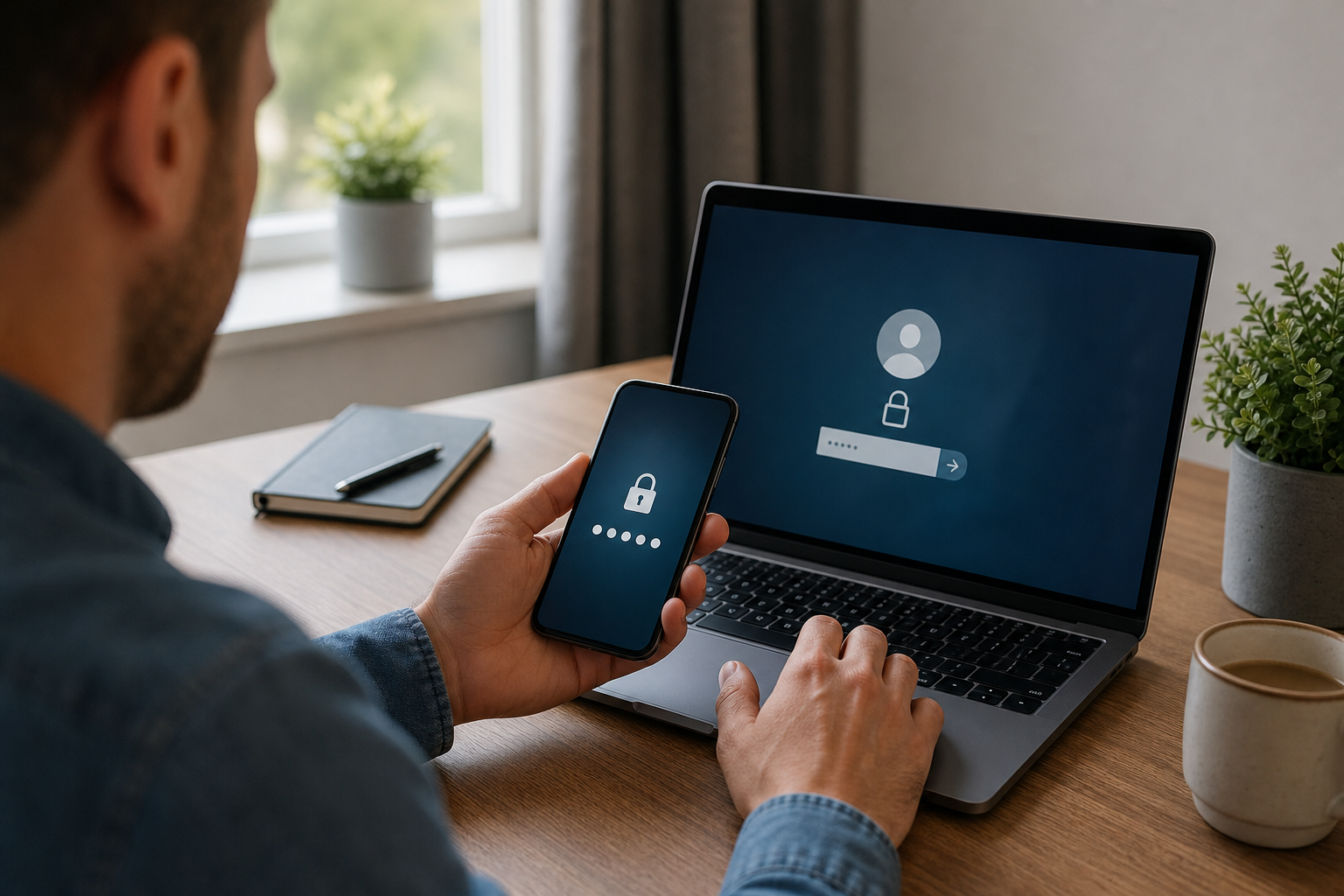

In an era where cyber threats are becoming increasingly sophisticated, relying on a single password to protect sensitive business data is no longer sufficient. For many UK businesses, a compromised password can lead to devastating data breaches, financial loss, and reputational damage. This is where Two-Factor Authentication (2FA) becomes essential. By adding an extra layer of security, 2FA ensures that knowing a password is not enough to gain access to a system.
Understanding the Fundamentals of 2FA
Two-Factor Authentication is a security process that requires a user to provide two different forms of identification before accessing an account. Instead of relying solely on a password, the system asks for a second "factor" to verify the user's identity. This approach is based on the principle that while a password can be stolen, guessed, or leaked, it is far less likely that a criminal will possess both the password and the second verification method simultaneously.
The logic behind this system is to create a multi-layered defence. If a hacker manages to obtain a company director's login credentials through a phishing email, they are still blocked from the account because they cannot provide the second factor, such as a code sent to a physical mobile device.
The Three Pillars of Authentication Factors
To understand Two-Factor Authentication: How Does It Work? in a technical sense, we must look at the three categories of authentication factors. Security professionals categorise these factors based on what the user knows, what they have, and what they are.
Knowledge and Possession Factors
The first factor is typically something the user knows. This is almost always a password, a PIN, or the answer to a secret security question. While common, knowledge factors are the most vulnerable to social engineering and brute-force attacks.
The second factor is something the user possesses. This is a physical or digital object that the user has in their possession. Examples include:
- A smartphone capable of receiving SMS codes or running an authenticator app.
- A physical security key (USB or NFC) that must be plugged into the device.
- A hardware token that generates a rotating sequence of numbers.
Inherence Factors
The third category is inherence, which refers to something the user is. These are biometric markers that are unique to the individual. Biometrics have gained massive popularity in B2B environments due to their convenience and high level of security. Common biometric factors include:
- Fingerprint scanning.
- Facial recognition.
- Iris or retina scanning.
- Voice pattern recognition.
How the 2FA Process Works in Practice
When a business implements 2FA, the login workflow changes from a single step to a sequence. First, the user enters their username and password. The system validates these credentials against the database. If they are correct, the system does not grant immediate access; instead, it triggers a request for the second factor.
Depending on the chosen method, the system might send a one-time password (OTP) via SMS or email, or it might send a push notification to a registered mobile app. The user must then enter this code or tap "Approve" on their device. Only after this second verification is successful does the server grant access to the account. This brief interruption in the user experience provides a massive increase in overall security.
Comparing Different 2FA Methods for Businesses
Not all 2FA methods are created equal. Depending on the sensitivity of the data and the technical literacy of the staff, businesses may choose different implementations.
SMS-based authentication is the most common due to its simplicity. Users do not need to install new software, as every mobile phone can receive a text. However, it is susceptible to "SIM swapping," where a criminal convinces a mobile provider to port a phone number to a new SIM card.
Authenticator apps, such as Google Authenticator or Microsoft Authenticator, are more secure. They use Time-based One-Time Passwords (TOTP), which are generated locally on the device and do not rely on the cellular network. This removes the risk of interception via the telephony network.
Physical security keys are the gold standard for high-security environments. These devices use cryptography to prove the user's identity and are virtually immune to phishing. If a user is tricked into entering their password on a fake site, the site cannot "trick" the physical key into providing the authentication token.
The Business Benefits of Implementing 2FA
For B2B organisations, the primary driver for adopting 2FA is risk mitigation. The cost of implementing a 2FA solution is negligible compared to the potential cost of a data breach, which can include regulatory fines under UK GDPR and the loss of client trust.
Beyond security, 2FA helps businesses meet compliance requirements. Many insurance providers now mandate multi-factor authentication as a prerequisite for cyber insurance policies. Furthermore, clients are more likely to trust a partner who can demonstrate that they employ rigorous security protocols to protect shared intellectual property and sensitive financial data.
Frequently Asked Questions
Is two-factor authentication the same as multi-factor authentication?
Two-factor authentication is a specific type of multi-factor authentication. While 2FA requires exactly two forms of identification, MFA is a broader term that can include three, four, or more factors to increase security further.
Can a hacker still bypass 2FA security?
While 2FA significantly increases security, it is not infallible. Sophisticated attackers may use "session hijacking" or "man-in-the-middle" attacks to steal session cookies, allowing them to bypass the login process entirely.
Does 2FA slow down employee productivity?
There is a slight increase in login time, but most modern systems offer a "remember this device" option. This allows users to bypass the second factor for a set period, such as 30 days, on trusted hardware.
Which 2FA method is the most secure for a company?
Hardware security keys are generally considered the most secure option. They provide the strongest protection against phishing and remote attacks because they require physical access to the device to authenticate.
What happens if an employee loses their 2FA device?
Businesses should implement "recovery codes" or administrative overrides. An IT administrator can verify the employee's identity through other means and then reset the 2FA settings to allow the user to register a new device.